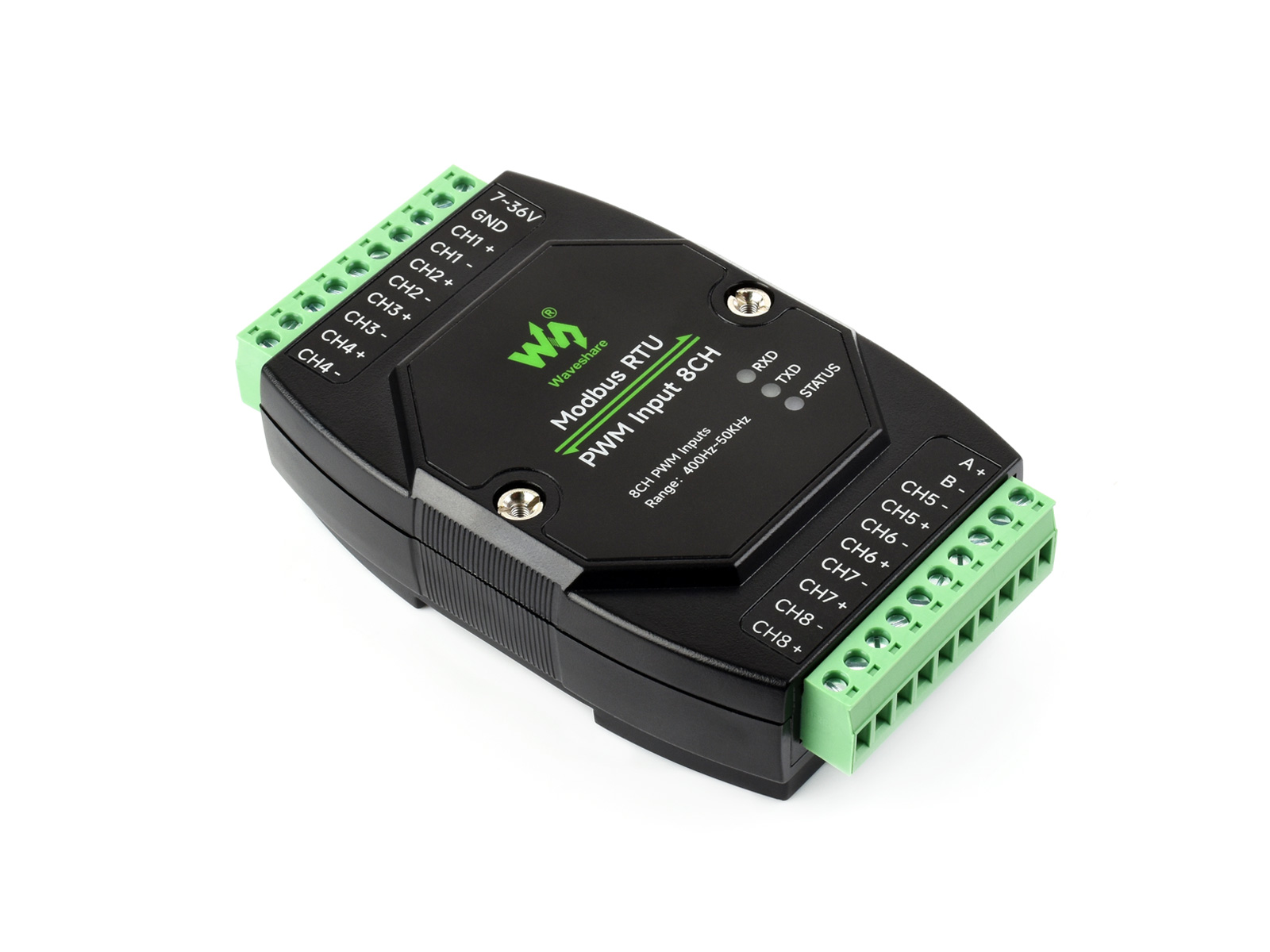
DAM-16RO
Modbus RTU / Modbus TCP industrial module with dual Ethernet and 16 relay outputs. Optional PoE (IEEE 802.3af) and ABS enclosure.
Overview
- Dual Ethernet ports for control and daisy-chain where supported.
- Modbus RTU or Modbus TCP selectable in advanced settings (default RTU-style gateway behaviour per vendor tool).
- Suitable for applications requiring reliable remote switching.
Electrical safety
- Qualified personnel only.
- Disconnect all power before wiring or replacing relays.
- Do not open the enclosure while energized.
- Do not use in wet, overheated, or flammable environments.
Specifications
| Item | Details |
|---|---|
| Power | PoE Ethernet, DC 5.5 × 2.1 jack, or terminals 7–36 V DC |
| Ethernet | Dual port; PoE IEEE 802.3af supported |
| Relays | 16 channels |
| Contact | 1 NO + 1 NC |
| Contact load | ≤10 A @ 250 V AC or ≤10 A @ 30 V DC |
| Protocol | Modbus RTU and/or Modbus TCP (per configuration) |
LEDs
| LED | Meaning |
|---|---|
| RUN | Ethernet activity / link heartbeat (~2 s square wave when healthy) |
| STA | MCU heartbeat |
| TXD | Blinks on transmit |
| RXD | Blinks on receive |
| Left ETH green | Link on port 1 |
| Right ETH green | Link on port 2 |
| Left ETH yellow | TCP session established (handy to see if host connected) |
| Right ETH yellow | Activity on port 2 |
Wiring
- Connect the module to your LAN with Ethernet cable(s). Power via 7–36 V terminals, DC jack, or PoE as applicable. Both Ethernet ports may be used for communication and daisy-chain depending on firmware defaults.
Configuration
Configure IP address, serial format, and Modbus mode before field use. Typical options:
- Vendor PC tool — more parameters, requires installation.
- Web UI — no install, but you must know the IP first and fewer fields may be exposed.
Recommendations:
- Either method is fine; for first tests the PC tool is usually easier.
- On first setup, change only the IP unless you know you need other fields. Keep serial/Modbus defaults unless you understand the impact.
- The module may support Modbus RTU and Modbus TCP; protocol selection is often under Advanced → protocol conversion. Default is commonly RTU path through gateway—do not change until verified.
- For Modbus TCP mode, follow vendor guidance (e.g. non-storing Modbus gateway) or communication may fail.